
FlexClip: review, pricing and alternatives
What is FlexClip?
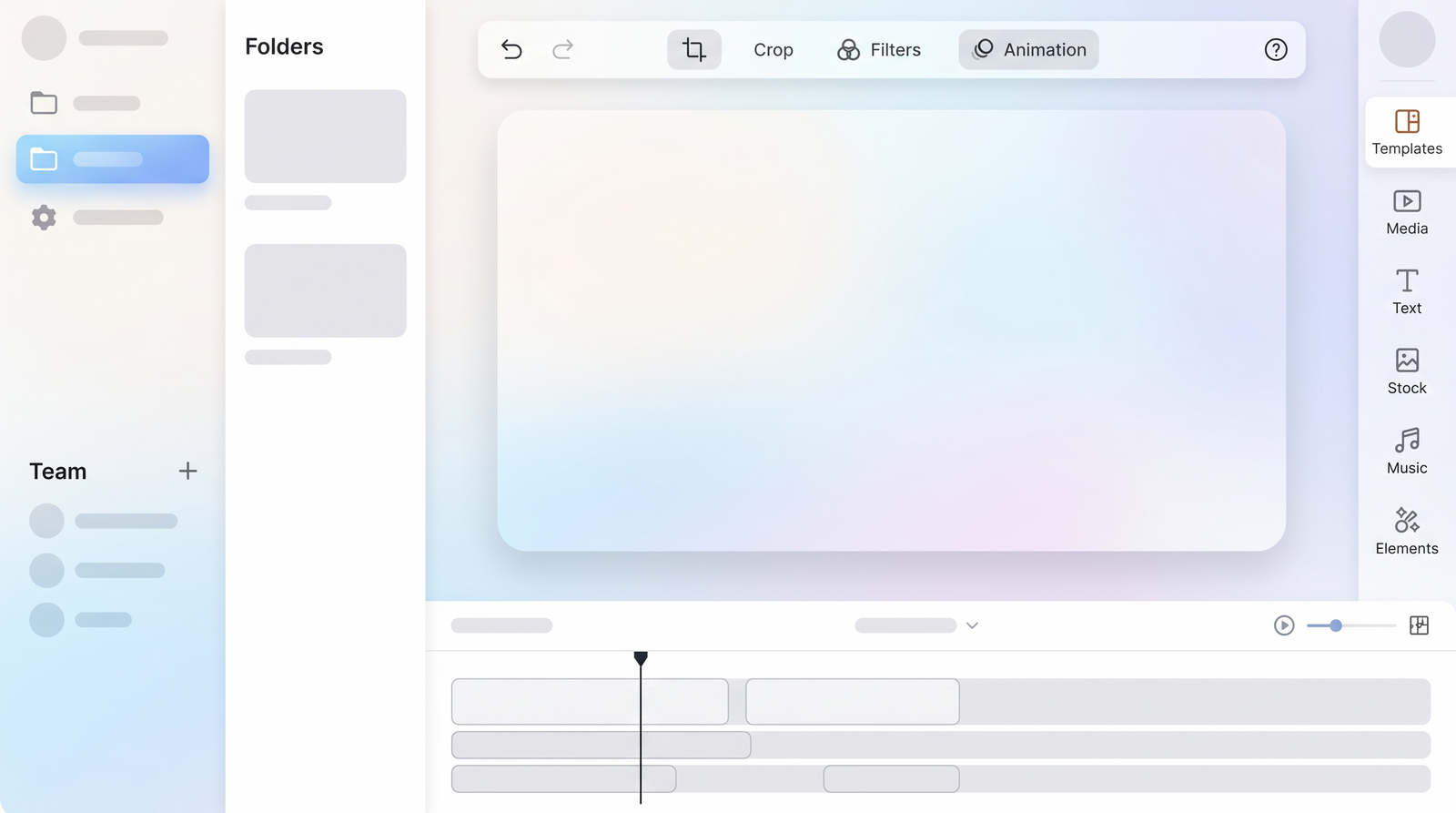
When I first encountered FlexClip, I was immediately struck by its promise: a browser-based AI video editor designed to simplify video creation for just about anyone. Developed by PearlMountain Limited, it positions itself as an accessible alternative to more complex software, aiming to democratize video production. The core idea is to let users create polished videos quickly and easily, without needing a film degree or extensive editing experience. It's an online tool, meaning there's no software to download or install, which is a huge plus for many.
For beginners, content creators, small businesses, and even students, FlexClip offers an appealing solution. It’s built on the premise that you shouldn't need to spend hours learning intricate software to produce engaging video content. Whether you're looking to whip up a quick social media post, a marketing video, or even a personal project, FlexClip provides the tools to get it done right from your web browser.
What truly sets FlexClip apart in its mission is the blend of traditional, user-friendly editing features with a growing suite of artificial intelligence tools. This combination allows for a faster workflow and helps users achieve professional-looking results with less effort. It aims to take the intimidation out of video editing, making it a more enjoyable and less time-consuming process for its diverse user base.
Key Features and AI Tools
Digging into FlexClip's capabilities, I found a robust set of features that cater to both basic editing needs and more advanced, AI-driven creative tasks. At its foundation, you get all the essential video editing tools you’d expect: the ability to trim, split, and merge video clips, add text overlays, apply filters, and integrate smooth transitions between scenes. You can also adjust video speed, add music, and even record voiceovers directly within the platform. The sheer number of stock assets – including photos, videos, and music – is impressive, giving you a vast library to draw from if you don't have your own media.
Where FlexClip really shines, however, is in its AI toolkit. I was particularly impressed by features like AI Recreate and Auto Edit, which can significantly speed up the content creation process. The Text-to-Video functionality is a game-changer for quickly generating video from written content, and the script generation tool helps streamline the planning phase. These AI features are designed to take some of the heavy lifting out of video production, making it faster to go from idea to finished product.
Beyond video generation, FlexClip also integrates powerful AI image editing capabilities. The ChromaKey feature allows you to effortlessly remove and replace solid-colored backgrounds, which is fantastic for green screen effects. You can also perform more nuanced edits like object removal and even face swaps, offering creative flexibility without needing dedicated photo editing software. Coupled with strong captioning and transcription tools, and an AI Image-to-Image Generator for stylistic transformations, FlexClip truly offers a comprehensive, AI-powered creative suite for video makers.
User Experience and Interface
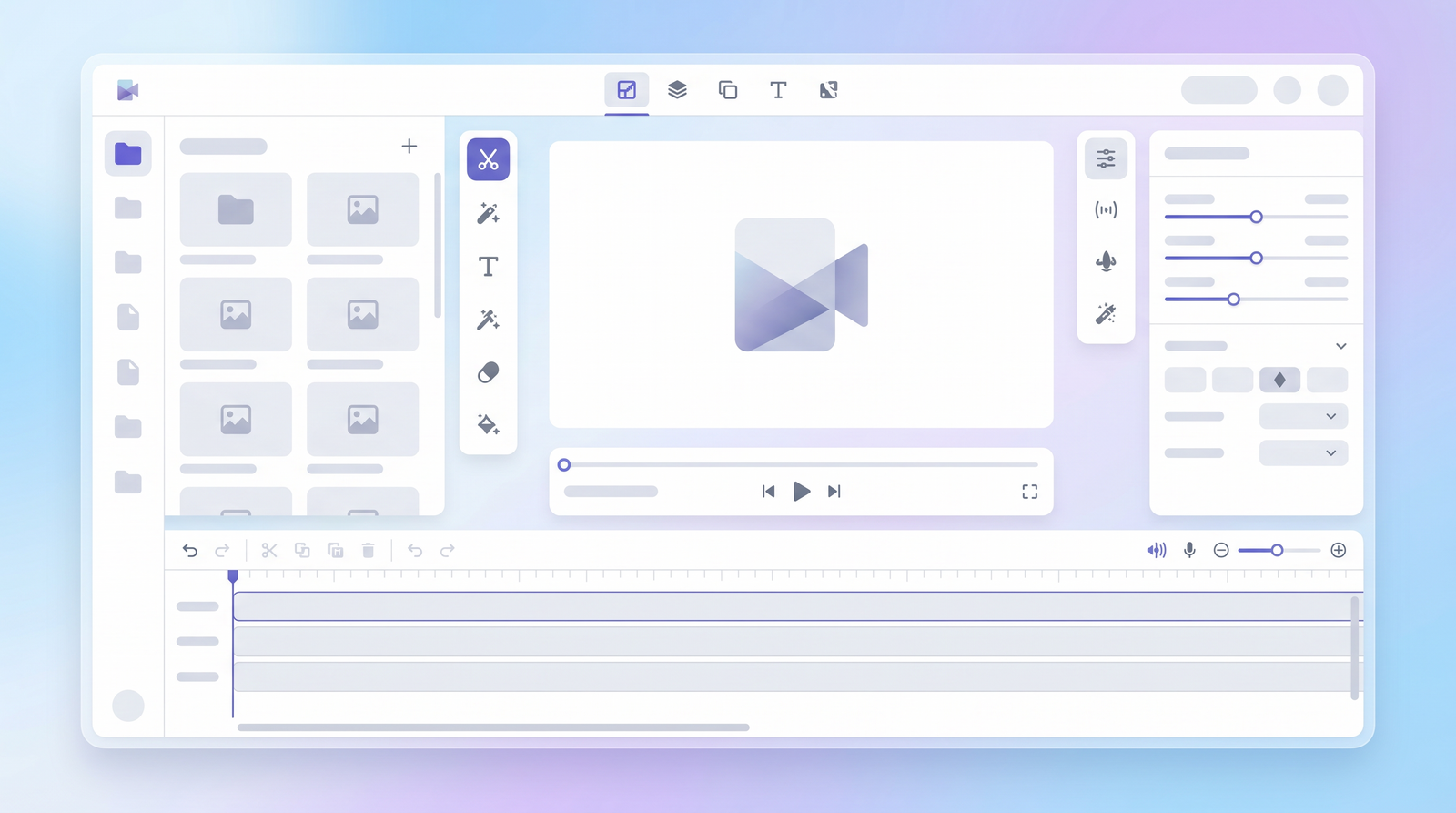
From the moment I logged into FlexClip, I noticed its commitment to a user-friendly experience. The interface is remarkably intuitive, making it feel welcoming even if you're a complete beginner to video editing. It's often compared to design tools like Canva or even video editors like Descript, and I can see why – the layout is clean, uncluttered, and easy to navigate. This familiarity helps you quickly understand where everything is and how to get started without a steep learning curve.
The drag-and-drop functionality is central to its ease of use. Whether you're adding media, applying templates, or arranging elements on your timeline, the process feels fluid and natural. I found myself instinctively knowing how to manipulate elements and build scenes, which is a testament to the platform's thoughtful design. This simplicity means you spend less time fumbling with controls and more time focusing on your creative vision.
Even if you're not familiar with similar tools, FlexClip offers readily accessible tutorials and a logical workflow that guides you through the process. You can start with a blank canvas or dive straight into one of its many templates, customizing elements as you go. The visual feedback and straightforward controls make editing feel less like a technical task and more like assembling a presentation, which is a huge win for anyone who finds traditional video editors overwhelming.
Performance and Workflow
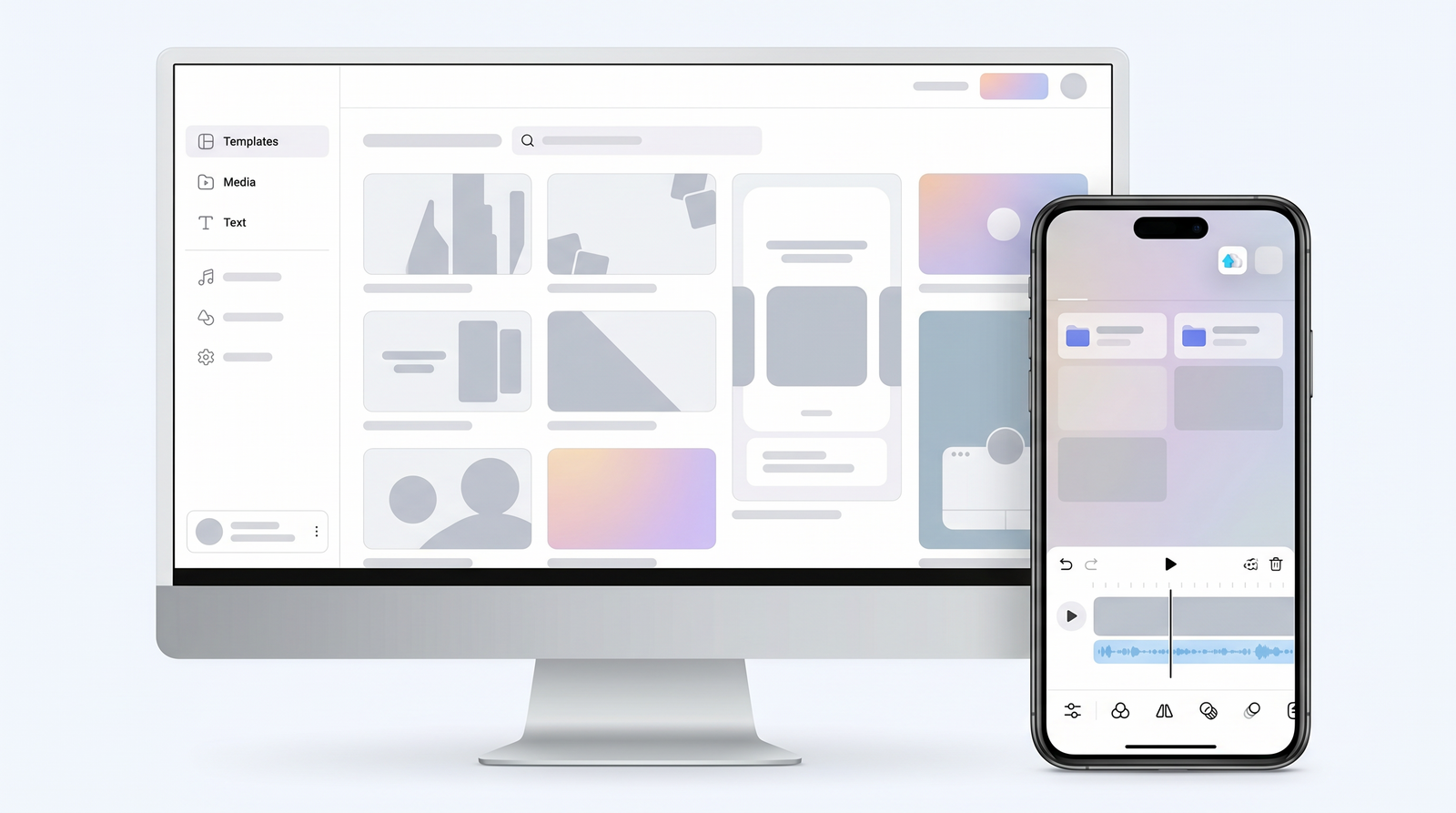
One of the most significant advantages of FlexClip, in my experience, is its browser-based nature. This means there's absolutely no software to download or install, freeing up your computer's storage and resources. It also implies that all the heavy video processing and rendering are handled in the cloud, not on your local machine. This is a game-changer if you, like me, often work on less powerful devices or need to access your projects from different computers. I’ve even managed to create and edit videos on a tablet, which speaks volumes about its accessibility.
This cloud-based workflow translates directly into quick content creation. For anyone who needs to pump out videos fast – think social media managers or content creators with tight deadlines – FlexClip facilitates a remarkably efficient process. You can jump in, edit, and export without the delays often associated with desktop software. The immediate access and cross-device compatibility make it a highly flexible tool for modern workflows.
However, it’s important to manage expectations. While the cloud processing is a boon for speed and accessibility, FlexClip isn't designed to replace high-end desktop video editing suites like Adobe Premiere Pro. Professional editors requiring multi-track editing, advanced color grading, or granular creative control will find its capabilities limited. It excels at quick, polished content, but for complex, multi-layered projects, you might feel its constraints. It occupies a specific niche, prioritizing speed and ease over ultimate professional-grade control.
Pricing and Plans
When it comes to getting access to FlexClip's full capabilities, understanding its pricing structure is key. While there is a free version, it comes with notable limitations, such as lower resolution exports and watermarks on your videos. This free tier is excellent for testing the waters and getting a feel for the interface, but for serious content creation, you’ll likely want to consider a paid plan.
FlexClip offers flexible pricing tiers, typically ranging from around $19.99 to $29.99 per month, depending on the specific plan and billing cycle you choose. Stepping up to a paid subscription unlocks a host of essential features. You'll gain access to higher resolution exports, often up to 1080p or even 4K, which is crucial for professional-looking content. Paid plans also provide more AI credits, which are necessary for utilizing some of the more advanced AI tools like Text-to-Video or object removal. Additionally, you'll benefit from a larger library of stock assets and increased cloud storage for your projects.
It’s worth noting that the best features, particularly the higher resolution exports and extensive AI tools, are indeed behind these subscription packages. While the pricing is generally considered reasonable for the value it provides, especially for individuals and small businesses, the cost can add up if you don't use it consistently. Weighing your usage frequency against the features unlocked is important to determine if a premium plan is a worthwhile investment for your specific needs.
| Plan | Price (Approx. Monthly) | Best for |
|---|---|---|
| Free | $0 | Testing the platform, basic projects with watermarks |
| Plus | $9.99 - $19.99 | Individuals, content creators needing HD export and more stock |
| Business | $19.99 - $29.99 | Small businesses, social media managers, advanced AI features |
Pros and Cons
After spending time with FlexClip, a clear picture emerges regarding its strengths and weaknesses. On the positive side, its ease of use is consistently praised, and I wholeheartedly agree. It's genuinely beginner-friendly, making video editing accessible to a much wider audience. The extensive template library and a wealth of stock assets are fantastic resources, allowing for quick creation without needing to source your own media. The AI tools are a significant advantage, streamlining complex tasks and speeding up the overall workflow. Being browser-based is a huge convenience, eliminating the need for downloads and allowing for cloud processing, which is ideal for less powerful devices. Finally, many find its pricing reasonable for the features it offers.
However, FlexClip isn't without its drawbacks. One recurring complaint, which I also noticed, is the lack of robust brand asset management. For anyone working with specific brand guidelines across multiple projects or clients, the inability to save logos, color palettes, and fonts can become a time sink. While the templates are numerous, some can feel a bit generic, potentially limiting originality if you don't heavily customize them. There's also the formidable competition, particularly from Canva, which has expanded its video capabilities and offers integrated brand kits and collaboration tools that FlexClip currently lacks.
Ultimately, FlexClip isn't for everyone. It's not designed to be a professional-grade editor like Premiere Pro, and trying to use it as such will lead to frustration. Its niche is clear, but within that niche, these pros and cons define its value proposition.
- Pros:
- Extremely easy to use and beginner-friendly
- Vast library of templates and stock media
- Powerful and time-saving AI tools
- Browser-based with cloud processing
- Reasonable pricing for the features
- Cons:
- Lacks brand asset management features
- Some templates can appear generic
- Not suitable for professional, multi-track editing
- Faces strong competition from all-in-one platforms like Canva
Who is FlexClip Best For?
Based on my experience and the collective feedback, FlexClip carves out a specific and valuable niche for certain types of users. It's undoubtedly best for beginners who are just stepping into the world of video creation and want to produce polished content without feeling overwhelmed. The intuitive interface and guided workflow are perfect for those who find traditional video editing software too complex and intimidating.
Beyond beginners, FlexClip is an excellent tool for content creators and social media managers who need to produce a high volume of engaging videos quickly. Whether you're churning out Instagram Reels, TikToks, YouTube Shorts, or LinkedIn videos, its template-driven approach and AI assistance make rapid content generation feasible. Small business owners looking to create their own marketing videos, advertisements, or promotional content without hiring a professional will also find immense value here.
Specific use cases where FlexClip truly shines include social media videos, quick marketing campaigns, podcast promotion (especially for creating visual audiograms or short clips), and project videos for students. If your goal is to create professional-looking videos efficiently, without needing advanced, granular control over every single element, then FlexClip is likely a fantastic fit for your workflow. It's for those who prioritize speed and ease of use in their video production.
How Does FlexClip Compare to Alternatives?
When evaluating FlexClip, it’s natural to compare it to other players in the increasingly crowded online video editing space. It occupies a distinct position, often sitting between lightweight mobile editors and more robust desktop software, while also competing with all-in-one design platforms. For instance, its user interface and template-heavy approach often draw comparisons to Canva's video features. While Canva offers a broader ecosystem for graphic design and has strong brand kit management, FlexClip tends to focus more exclusively on video and boasts a more dedicated suite of AI video tools.
Against mobile-first editors like CapCut, FlexClip offers a more desktop-oriented, browser-based experience with a larger stock media library. When you look at editors that emphasize transcription and text-based editing, like Descript, FlexClip provides similar capabilities in terms of captioning and script generation, but Descript’s core workflow is often more centered around audio and text manipulation. It also stands as a formidable contender against other lightweight online editors such as Filmora or Camtasia, offering comparable features with the added benefit of being entirely cloud-based.
It's crucial to acknowledge that FlexClip is not, and doesn't aim to be, a replacement for professional-grade software like Adobe Premiere Pro. Editors who require multi-track editing, intricate color grading, or complex VFX will find FlexClip's capabilities too limited. Its differentiating factors lie in its sheer ease of use, its comprehensive template library, and its growing suite of AI tools that automate parts of the video creation process. You can see how it stacks up against alternatives on Top10k to better understand its market positioning. It's a tool for efficiency and accessibility, not for the most demanding professional workflows.
Verdict: Is FlexClip Worth It?
After thoroughly exploring FlexClip's capabilities, interface, and workflow, my verdict is that it is absolutely worth it for its target audience. If you're a beginner, a content creator needing to produce videos rapidly, a social media manager, or a small business owner looking for an accessible and efficient video editing solution, FlexClip delivers significant value. Its strengths – the intuitive, browser-based interface, the extensive template library, and the powerful AI tools – genuinely streamline the video creation process and help you achieve polished results without a steep learning curve.
While it does have limitations, such as the lack of advanced brand asset management and its inability to compete with professional desktop editors, these are minor drawbacks when viewed through the lens of its intended users. FlexClip isn't trying to be a one-size-fits-all solution; instead, it focuses on excelling at quick, engaging video production. For podcast promotion, quick marketing content, or social media clips, its strengths far outweigh its limitations.
FlexClip is a highly effective tool for its specific niche, making video creation accessible and efficient for a broad range of users who prioritize ease of use and speed.
Ultimately, if your goal is to create compelling video content without getting bogged down by complex software or requiring a massive budget, FlexClip is a solid choice. Its free version provides a great opportunity to test it out, and the paid plans offer a reasonable investment for the features and time-saving benefits you receive. For many, it will prove to be an invaluable asset in their content creation toolkit.
Full profile and live ranking: https://top10k.com/ai/flexclip
Published by

Discover Top10k Tools — a free online platform that gives users access to 4,000+ ready-to-use tools created to boost productivity.
The toolkit covers SEO, file conversion, calculators, developer utilities, image editing, and productivity. All tools are free and browser-based, making them quick to access anywhere.
Top10k Tools is working toward reaching 10,000 useful web tools people actually need.
Whether you're a marketer, developer, student, or business owner, you'll find utilities that save time. Give it a try.
Frequently asked questions
Is FlexClip free to use?
Yes, FlexClip offers a free version that allows you to create videos. However, the free plan comes with limitations such as lower resolution exports and watermarks on your finished videos. It's a good way to try out the platform before committing to a paid subscription.
What are the typical pricing plans for FlexClip?
FlexClip typically offers tiered subscription plans, with monthly costs ranging approximately from $9.99 to $29.99, depending on the plan level and billing cycle. Higher-tier plans unlock features like HD exports, more AI credits, increased stock assets, and cloud storage.
How does FlexClip compare to Canva for video editing?
FlexClip and Canva both offer user-friendly, template-driven video editing. FlexClip is more singularly focused on video with a dedicated suite of AI video tools. Canva, while expanding its video features, is a broader design platform with stronger brand asset management and collaboration tools, which FlexClip currently lacks.
Is FlexClip suitable for beginners?
Absolutely. FlexClip is widely praised for its intuitive, user-friendly, and beginner-friendly interface. Its drag-and-drop functionality and clear layout make it easy for anyone, regardless of prior editing experience, to start creating professional-looking videos quickly.
Can FlexClip replace professional video editing software like Premiere Pro?
No, FlexClip is not designed to replace professional-grade software like Adobe Premiere Pro. It lacks advanced features such as multi-track editing, intricate color grading, and complex VFX that professional editors require. FlexClip excels at quick, accessible content creation, not high-end, granular control.
What are the main limitations of the free FlexClip version?
The free version of FlexClip generally limits you to lower resolution video exports (e.g., 480p), includes a watermark on your videos, and offers restricted access to stock assets and AI features. It's best for testing the platform or very casual projects.
Is a FlexClip subscription worth the cost?
For its target audience – beginners, content creators, social media managers, and small businesses needing quick, polished videos – a FlexClip subscription is generally considered worth the cost. It provides significant time savings and access to powerful features that simplify video production for a reasonable price.